Before you start
Each person needs an Apple Account. If you use Google Calendar instead, sharing happens on Google's side, and the calendar still shows up in the same app.
Make the calendar and share it
- Open Calendar and tap the calendar button at the bottom of the screen.
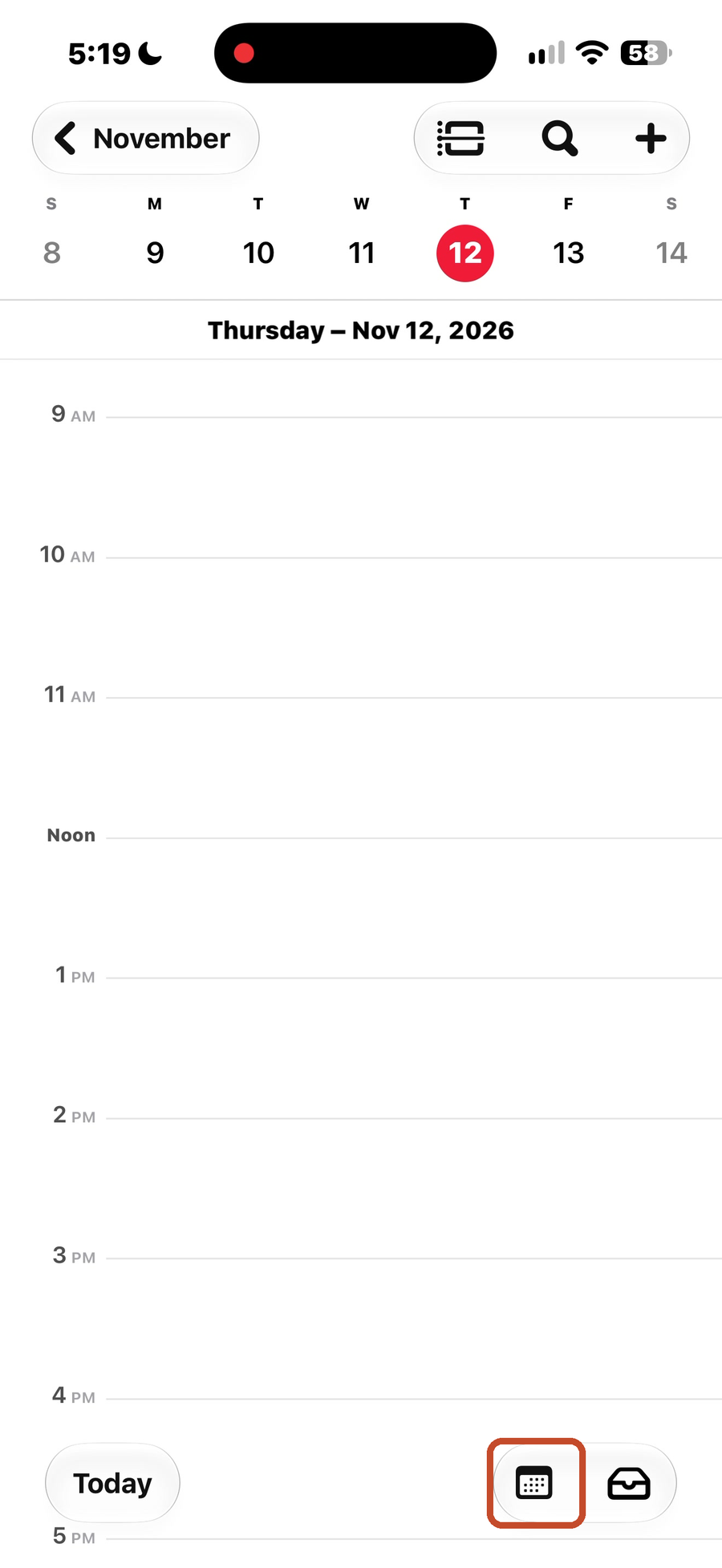
- Scroll to the bottom of the list and tap Add Calendar.
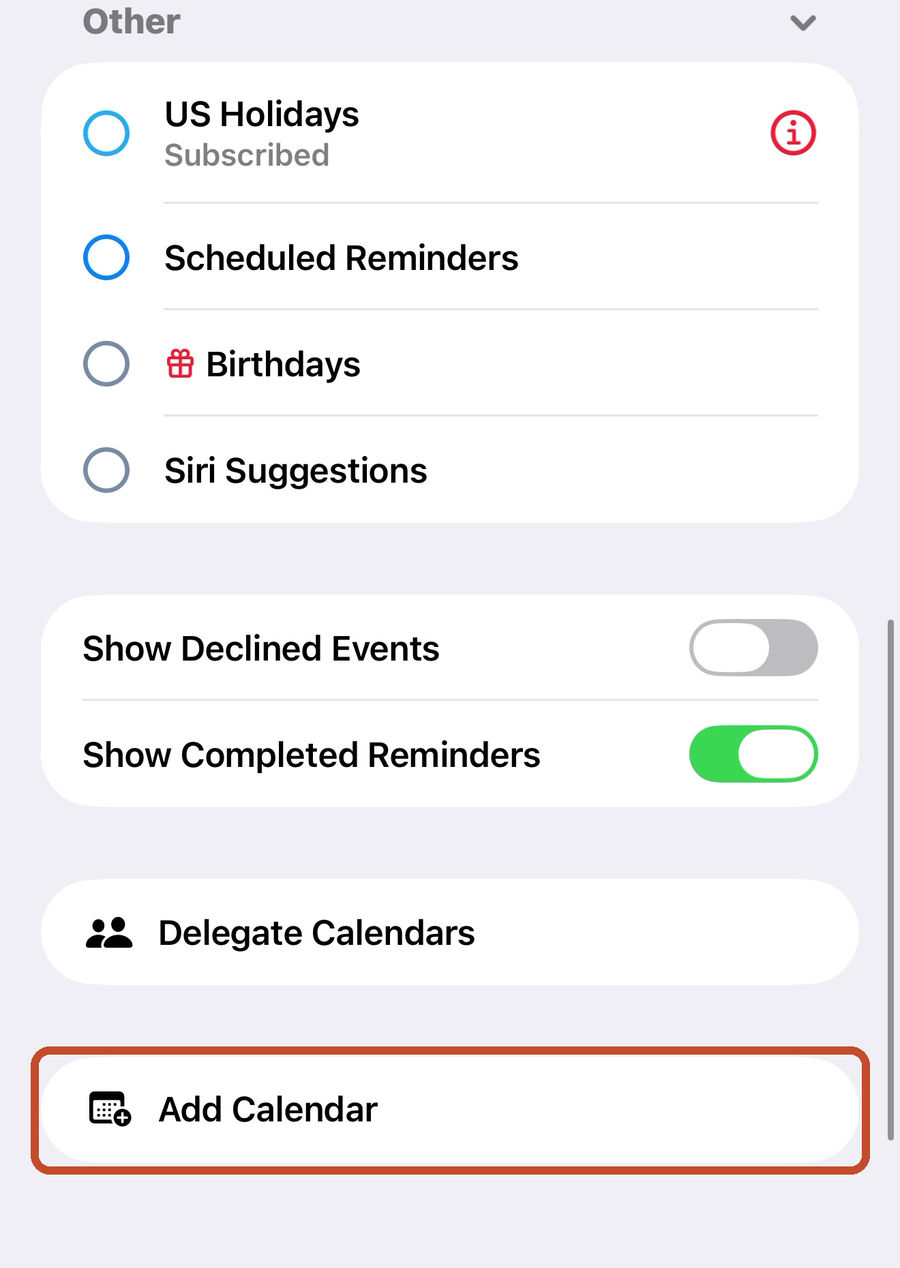
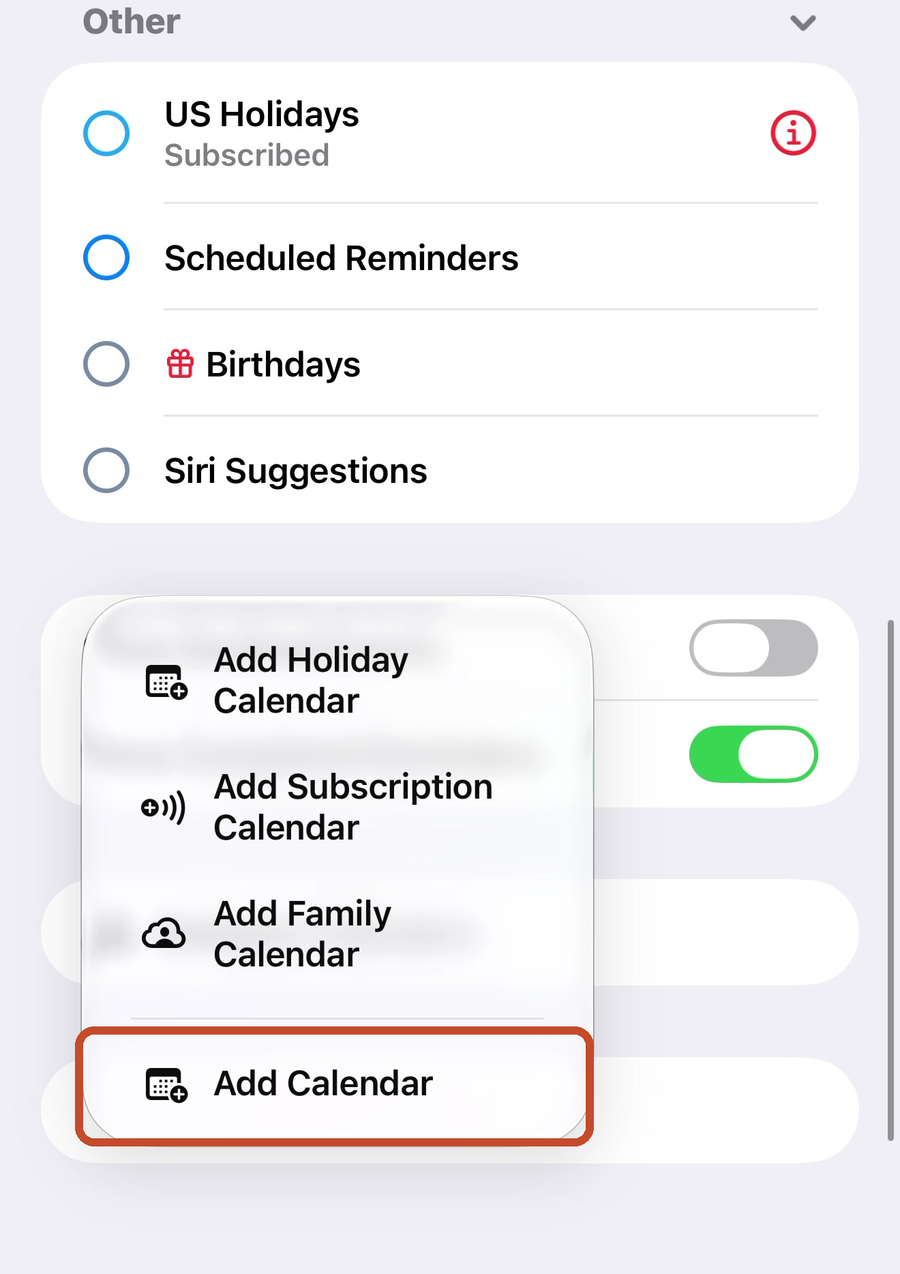
- Tap Add Calendar again. If your house uses Family Sharing, Add Family Calendar is on the same menu.
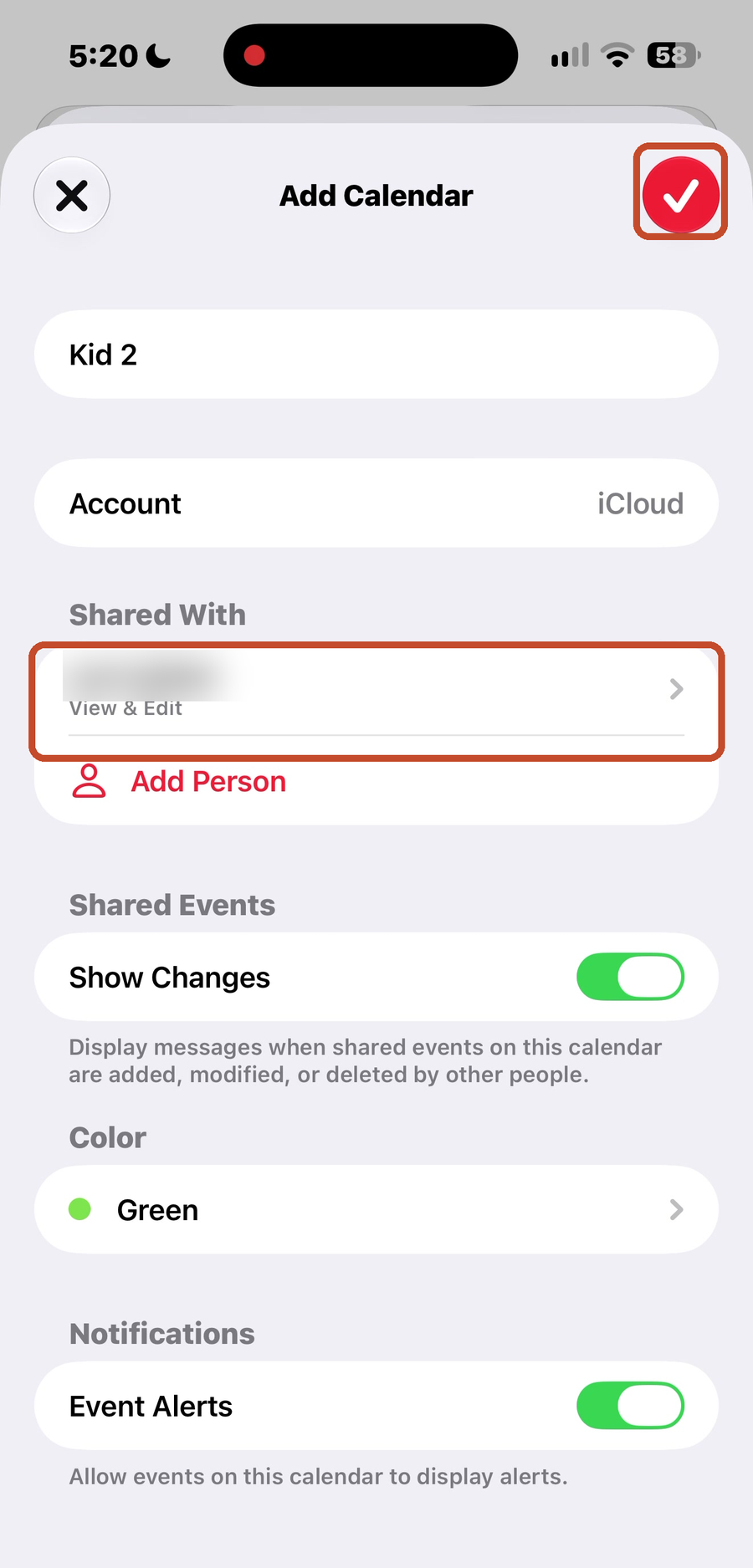
- Give the calendar a name and check that Account says iCloud. Under Shared With, tap Add Person.
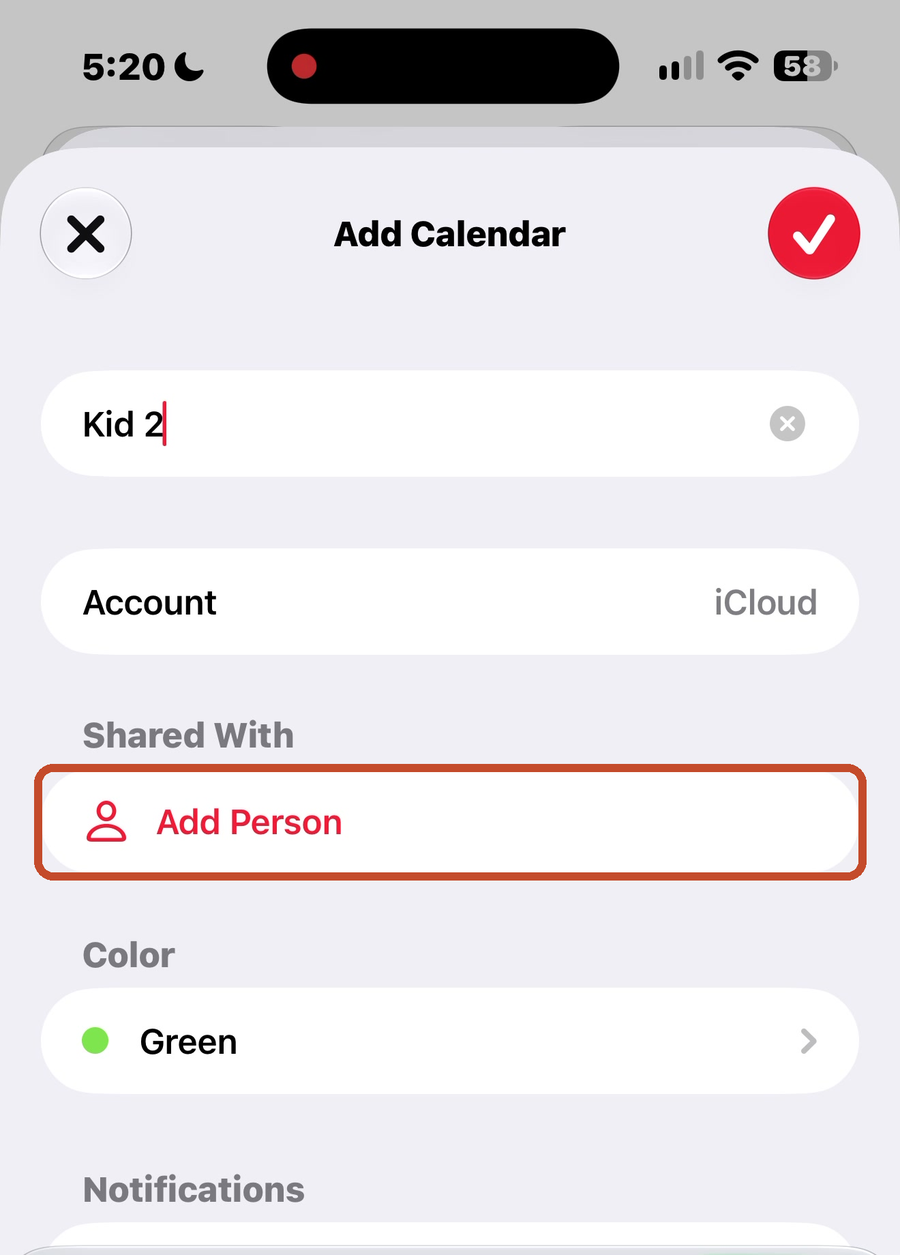
- Type the person's email, or pick them from your contacts, and tap the check. They show up under Shared With, marked View & Edit.
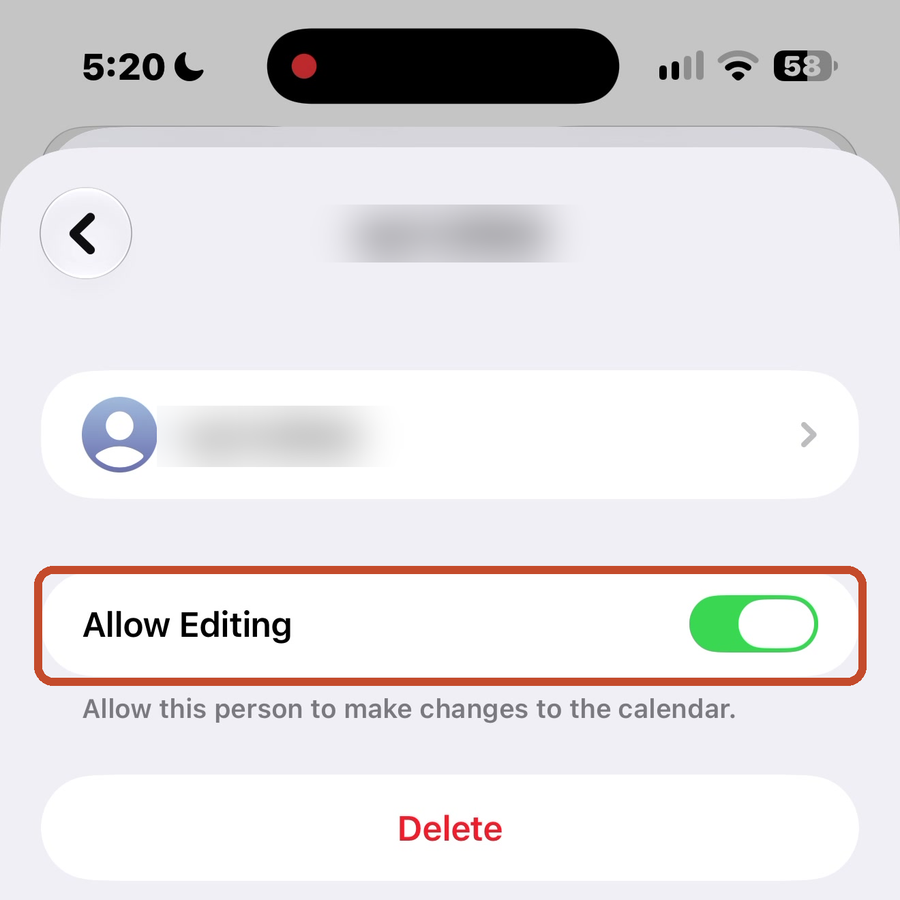
- To let them see the calendar without changing it, tap their name and turn off Allow Editing.
- Tap the check at the top to save. They get an invitation, and the calendar appears on their phone once they accept.
One family calendar for what you do together, and one for each person
Keep the family calendar for the things everyone is doing together, like the day school's out, a family night at the pumpkin patch, or your weekly family meeting. Everything else goes on the calendar of the person it belongs to, each with its own color.
That way the family calendar stays short enough to read, and anyone can look at a day and see who has what.
Good to know.
A sports or school schedule that comes as a calendar link can be subscribed to, so the games show up without anyone typing them in. Add Subscription Calendar is on the same menu as step 3.