One-on-one setup

Set it up with Cassie, just for your household.

A one-on-one setup is done with you. Before the call, you fill out a short form about your house, so the time goes to your phone. Then you and Cassie set it up together on a video call. Afterward you get a written recap of what you set up and how to change it later, and a week later she checks in once to see how it's running.

Built around your week

Every shortcut gets fitted to your household only.

The intake form tells Cassie who lives in your house, which calendar you use and what you'd most like to stop keeping track of. On the call, she fits each shortcut to that: your kids' names and chores, the times that work for your mornings, and the lists you already use. Your written recap shows every change you made, so you can adjust it yourself when your schedule shifts.

How it works
  1. Book a time. Each session is 60 minutes on video.
  2. Fill out the intake form. It takes about five minutes.
  3. Set it up together on the call.
  4. Get your written recap.
  5. Get one check-in message a week later.
$115 one time

For the session. If you don't have The Family Operating System and School Mail Triage yet, they're added at checkout, $57 for both.

One free reschedule with 24 hours' notice. All sales are final, with no refunds. A no-show, or a cancellation with less than 24 hours' notice, counts as the session used. If Cassie has to cancel, you choose a new time or a full refund.

After you buy, you and Cassie pick the time by email. There are a few sessions each week, so each one gets Cassie's full attention.

Before you book

What you need on the call.

Who you'll work with
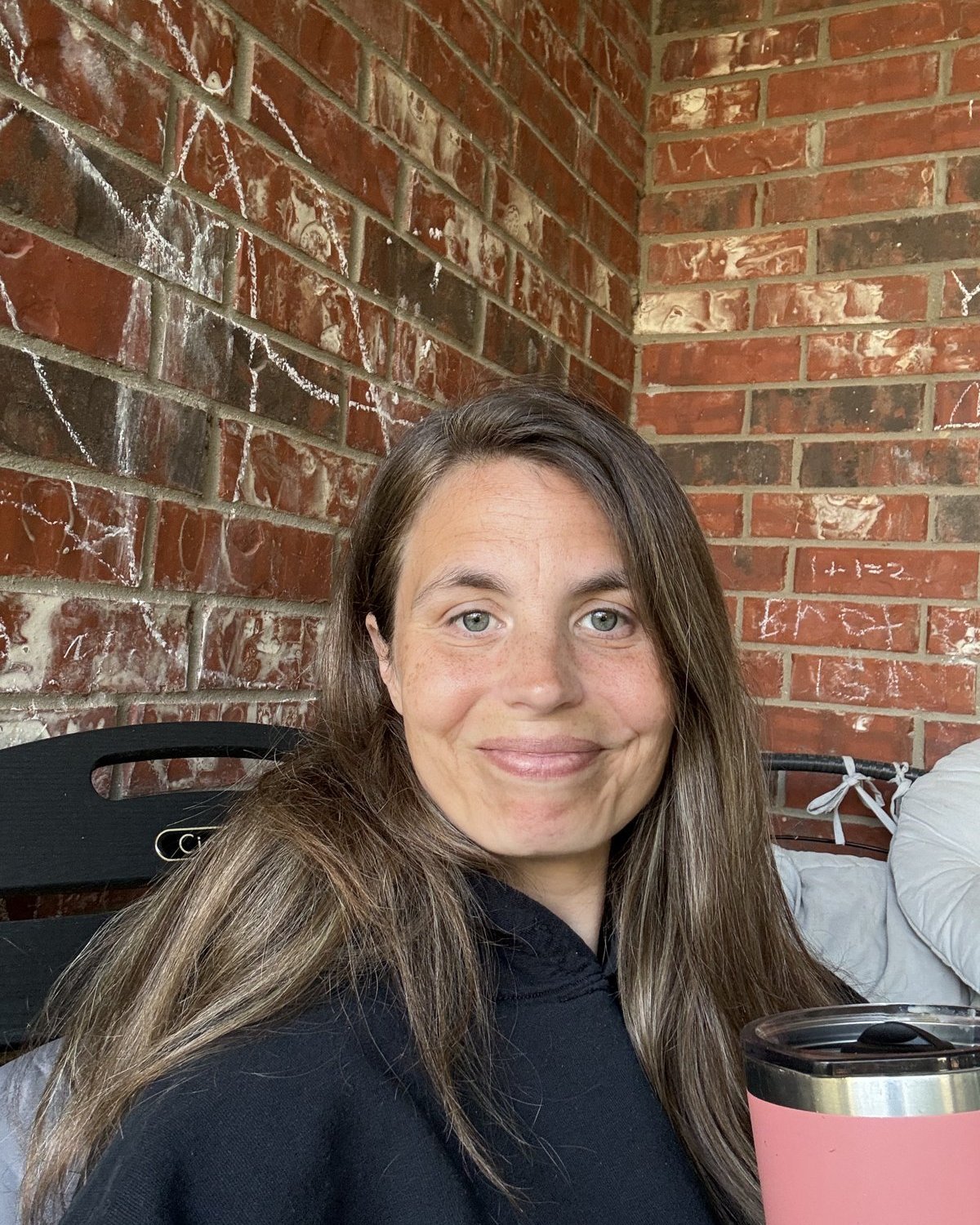
Cassie Douglas, founder of The Family OS

Cassie Douglas runs a household of seven with her husband Josef and their five kids. She plans and automates large projects at work, and The Family Operating System is what she built when she asked why she wasn't doing the same thing at home. 347 families run their homes on The Family Operating System.